Life can get hectic, especially during the holidays, which often leads us to search for things that are easy and convenient. Did you know that you can search for resources on Pathfinder’s website even when on the go? By visiting Pathfinder’s website on a mobile device, such as a phone or tablet, you can download the website as an app.
Here are instructions to make searching for resources on a mobile device even easier.
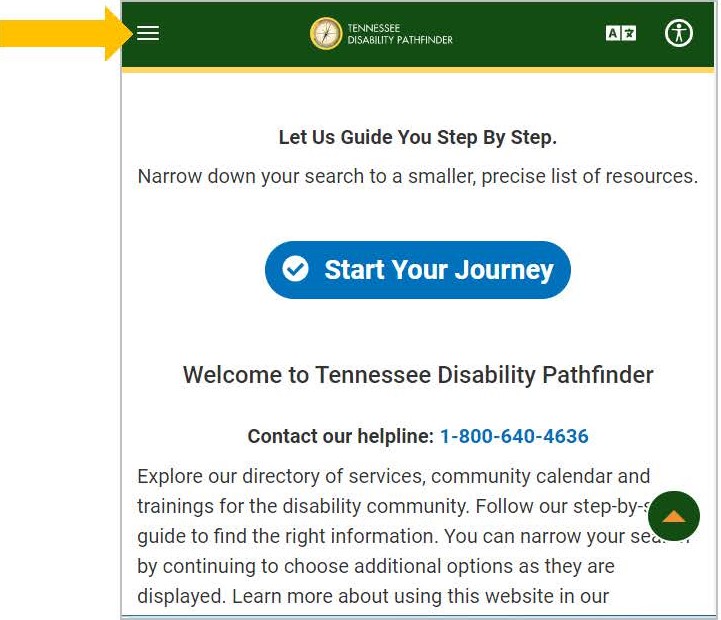
You can do a direct search by clicking the top left of the page.

You should see menu come from the side.
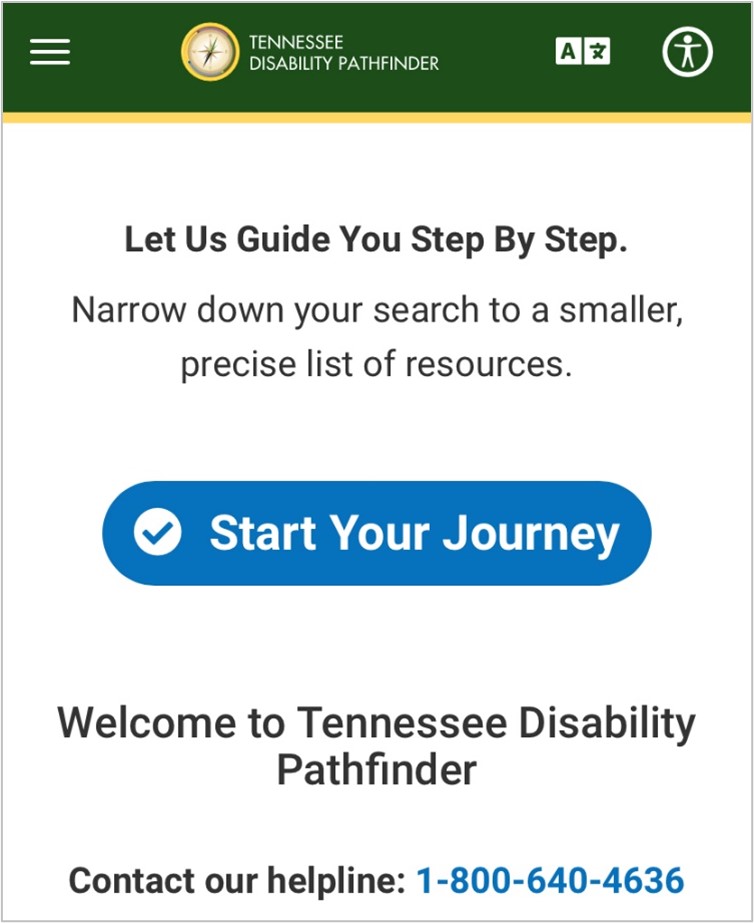
If you want to do an advanced, click “Start Your Journey.”
This feature enables you to do an advanced search with filters such as:
- Stages of Life: age group of person needing service
- Topic of Interest: type of service/resource needed
- Diagnosis: disability of person needing service
- Payment Option: form of payment accepted by agency provider
- Service Area: county of residence
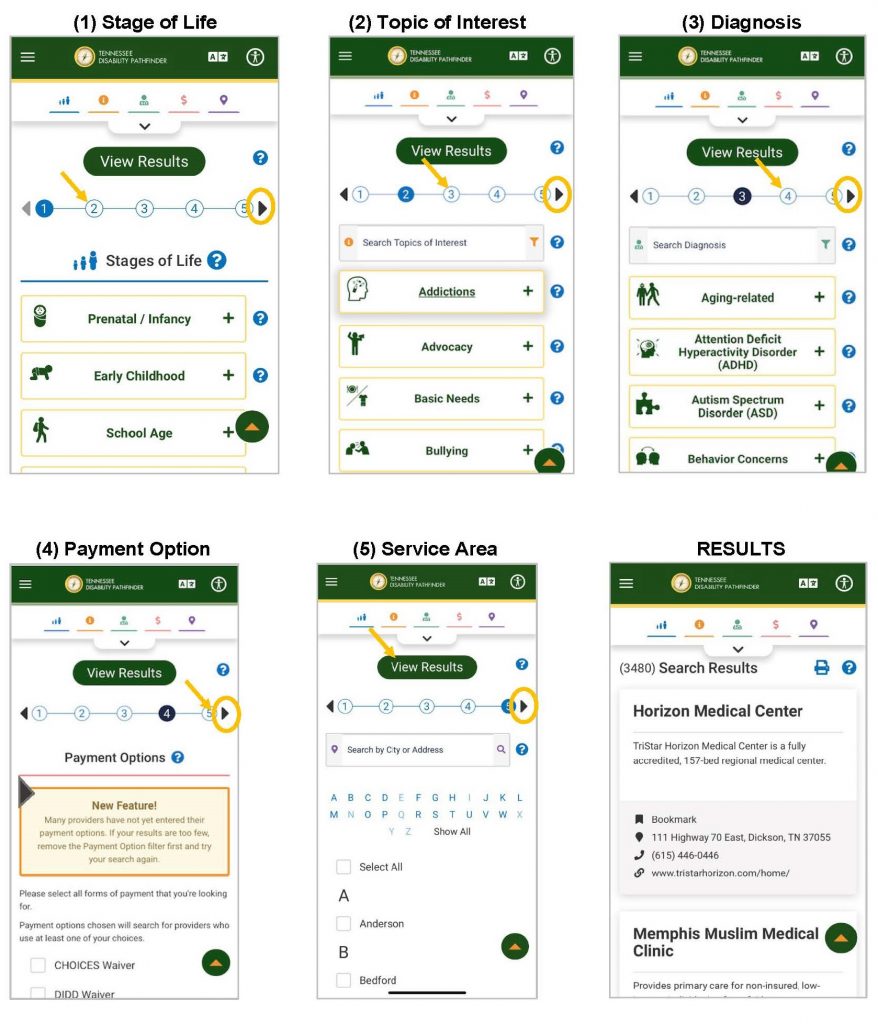
After making selections within the filters, click the triangle pointing right to advance to the next step. Finally after selectiong everything you can view results at the end.
To try this and other TN Pathfinder tools visit TNPathfinder.org on your mobile devices.