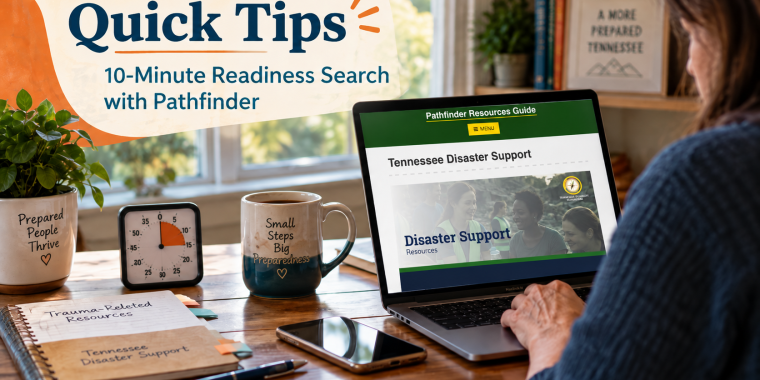
Quick Tips: 10-Minute Readiness Search with Pathfinder
You do not have to wait for an emergency to figure out where to look for help. Set aside 10 minutes and get familiar with two Pathfinder resource pages that may be useful when life takes an unexpected turn: Trauma-Related Resources and Tennessee Disaster Support.
1. Open both resource pages.
Take a quick look through Pathfinder’s Trauma-Related Resources and Tennessee Disaster Support pages so you know what kinds of services are available.
2. Bookmark the pages.
Save them in your phone or browser now. In a stressful moment, you may not want to spend time searching for them again.
3. Choose two resources that could matter to you.
Look for organizations or services connected to your possible needs, such as emotional support, crisis assistance, disaster recovery, housing, food, transportation, or other community supports.
4. Save important contact information somewhere besides your phone.
Write down at least one phone number or organization name and keep it with your emergency information in case your device is unavailable or loses power.
5. Share the pages with someone in your readiness circle.
Send the links to a family member, friend, caregiver, neighbor, or trusted support person so someone else knows where to look if you need help.
6. Check the pages again after an emergency.
Available programs and recovery resources can change depending on the situation. Return to Pathfinder for updated information and connections to Tennessee services.
Your 10-Minute Goal
Before your timer ends, try to have:
✓ Both Pathfinder pages bookmarked
✓ Two useful resources identified
✓ One important contact written down
✓ One person who knows where you saved the information
Ten minutes today can save valuable time when you need support later.